Try It Out
Free
- 500 MB secure storage
- 25 inventory entries
- Personal use only
- 25 Smart Organization actions / month
- 1 property
- 5 items per bulk upload
A way to preserve the knowledge, instructions, memories, documents, and organization for the people who may one day need them.
Most families don't lose their belongings.
They lose the knowledge, stories, and memories that make those belongings meaningful.
The Next Keeper helps preserve not only what you own, but also the knowledge, memories, and stories that make it meaningful for generations to come.
Your family's information is encrypted and only visible to the people you invite.
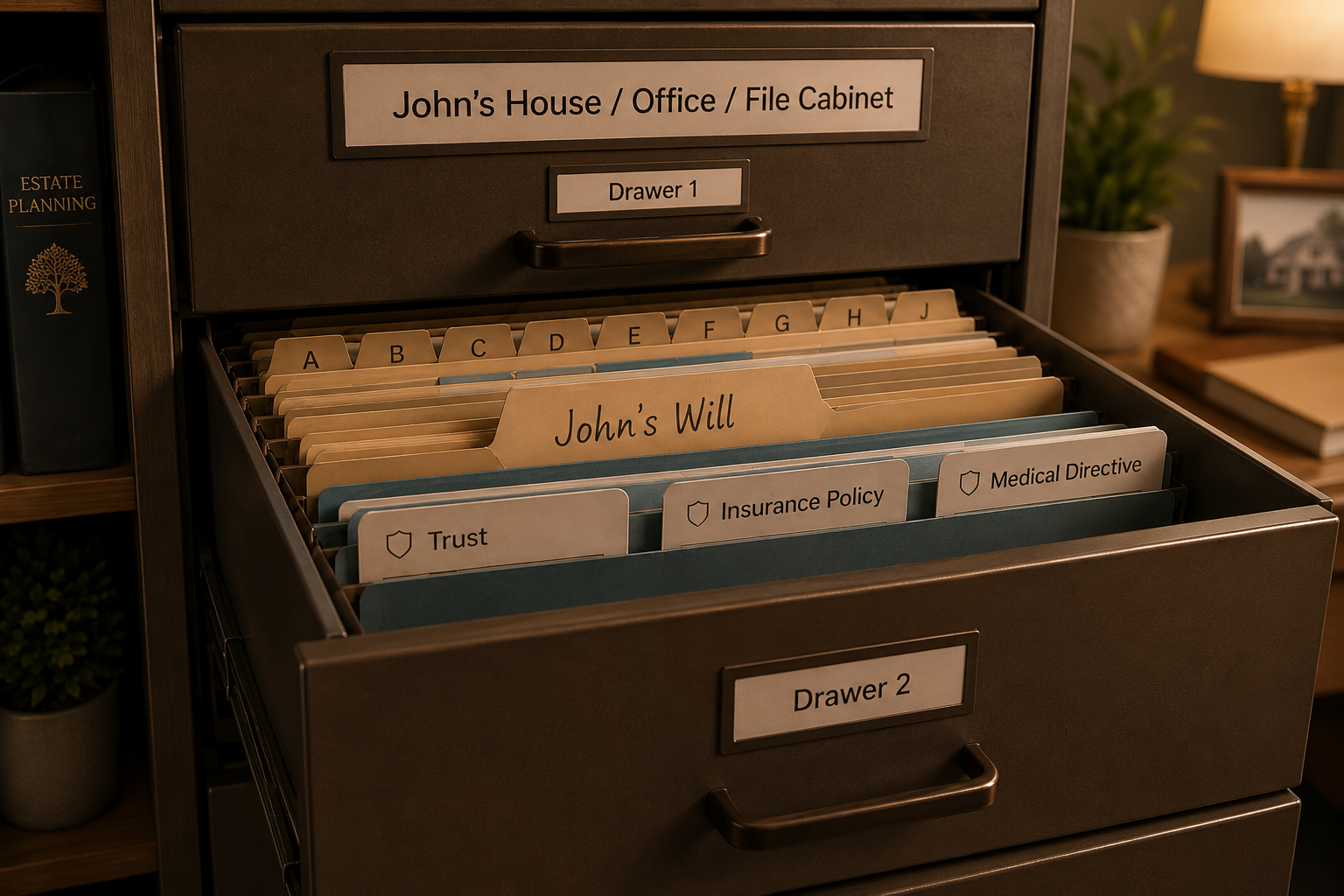
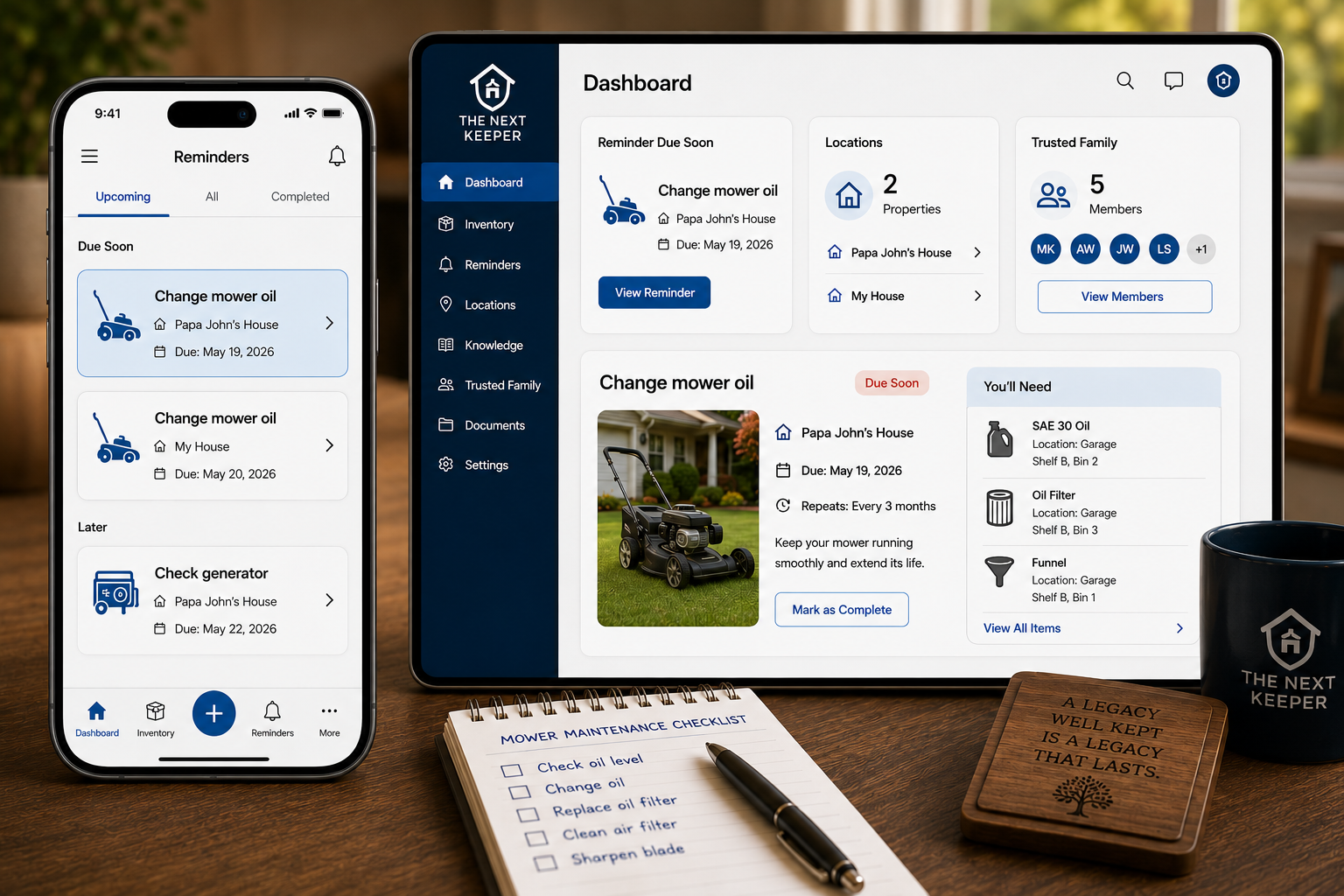
Items, machines, vehicles, documents, and photos — all in one calm, searchable place.
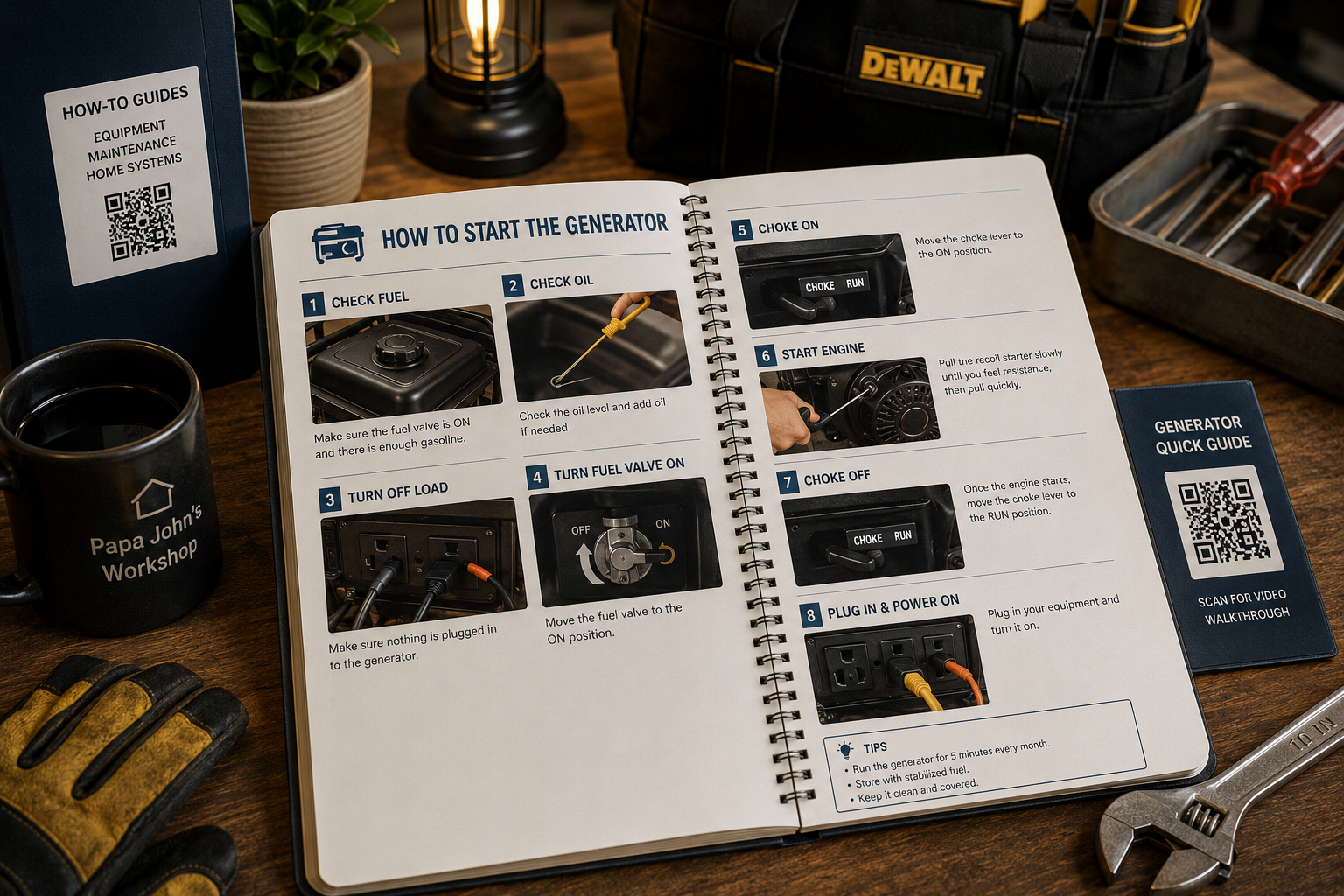
Save manuals, instructions, and stories so the how and why are never lost.
Invite loved ones and choose what they can see, add, or manage.
Find what you need from any phone or laptop, whenever you need it.
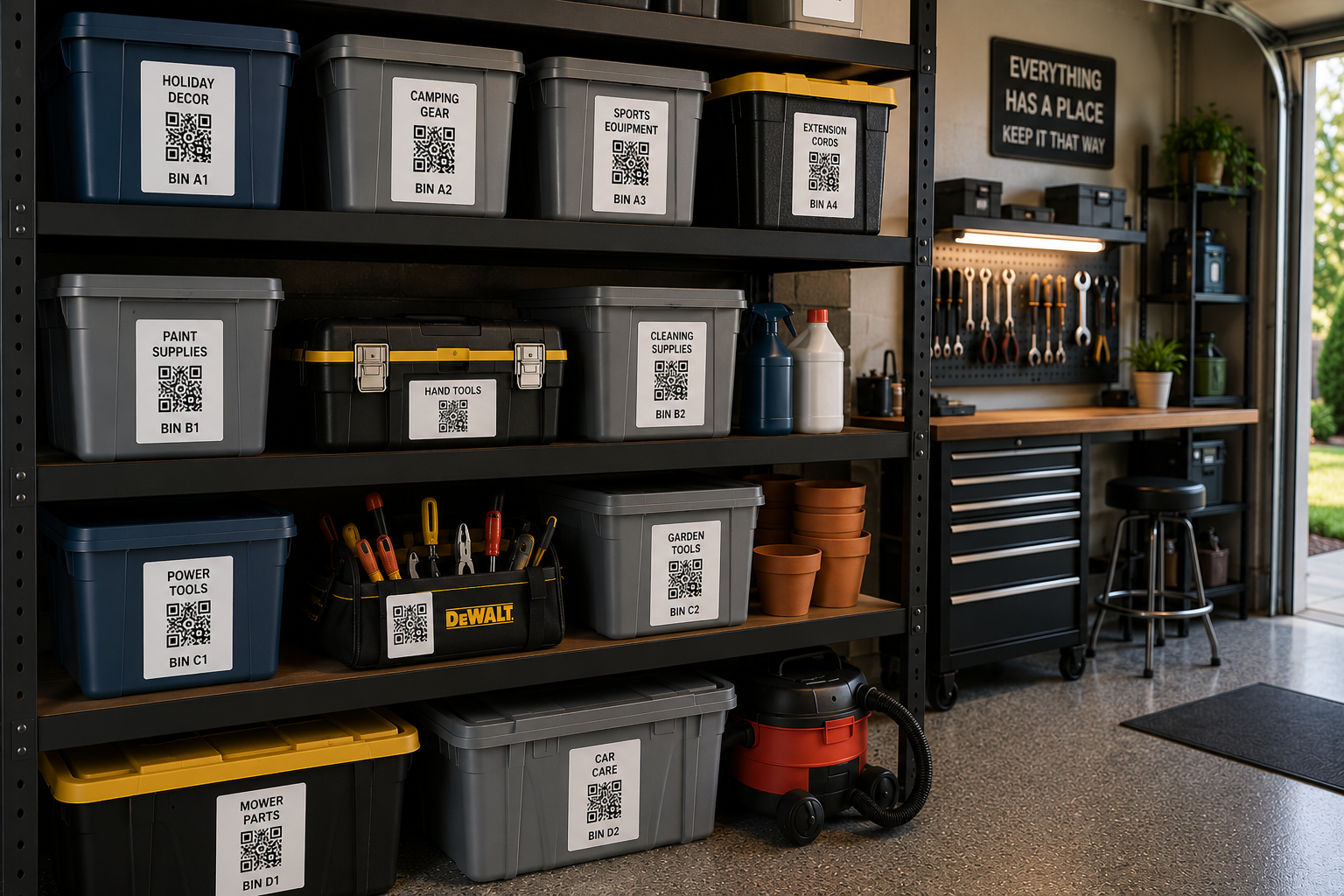
Print QR labels for bins, rooms, and shelves — scan to see exactly what's inside.
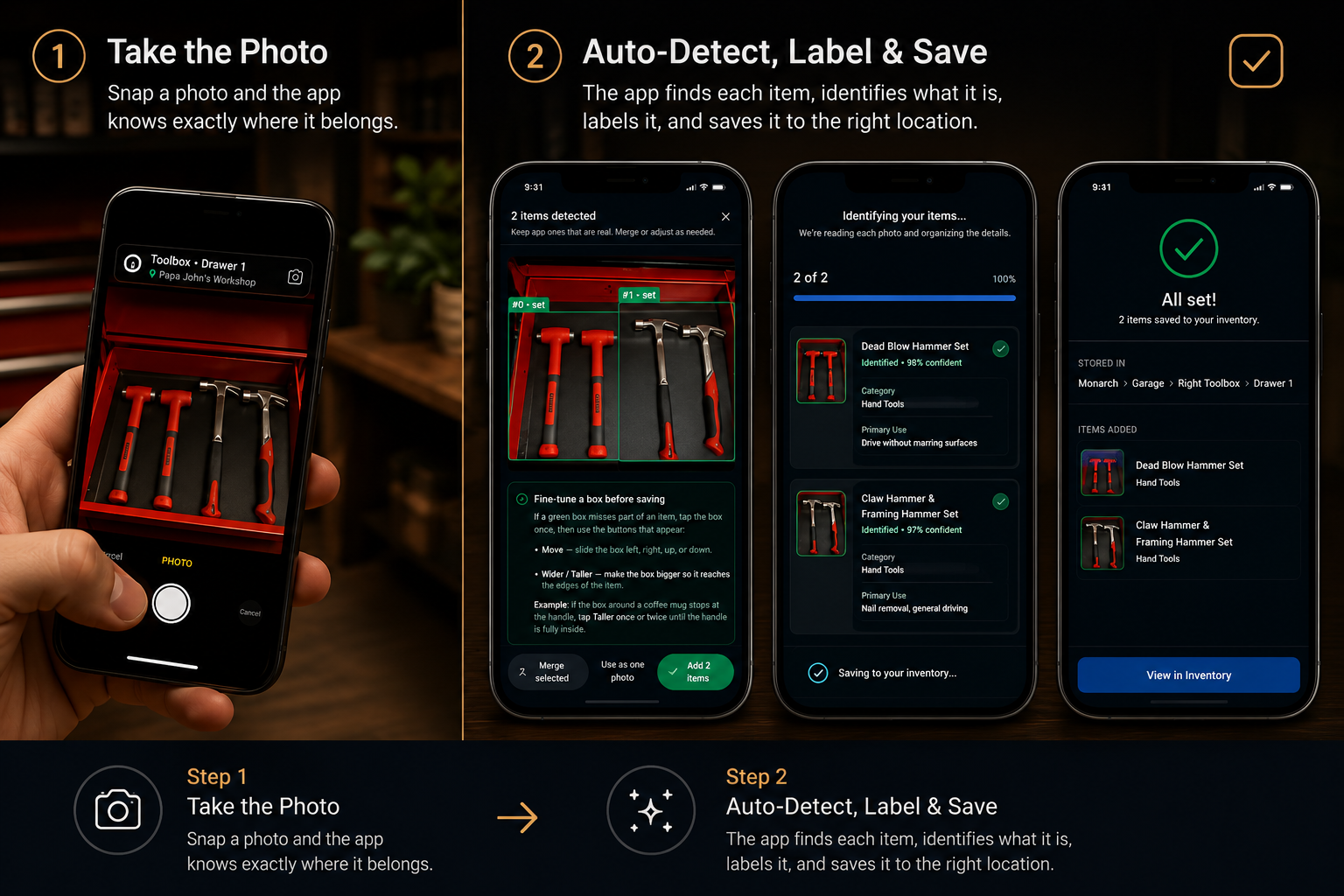
Snap one photo or a few. Even if several things — or a whole set — are in the same picture, our AI spots each one, names it, and sorts it for you.
Tell us exactly where you stored it so you can always find it again. Property → Floor → Room → Storage Area.
Upload manuals, warranties, recipes, photos, or videos, and we'll automatically connect them to the right item or machine. Add step-by-step instructions so your family can learn how to use, repair, maintain, or recreate something directly from you for years to come.
Print QR labels and shelf labels for bins, boxes, rooms, and storage areas.
Scan labels with your phone to instantly see what's inside.
Find what you need when you need it. Simple.
or $99/yr ($8.25/mo billed yearly)
or $249/yr ($20.75/mo billed yearly)
or $499/yr ($41.58/mo billed yearly)
Start free. Upgrade anytime as your family's keep grows.
Papa John spent a lifetime building. He built the home his family gathered in, handcrafted much of the furniture inside it, and filled his workshop with tools and machines that he hoped would stay in the family for generations.
When Lewy body dementia and Parkinson's disease began taking away his confidence and his ability to remember, we slowly realized we were losing more than the chance to ask questions. We were losing a lifetime of knowledge that only he could share. The stories behind each machine, why he chose it, how to use it safely, and the skills he wanted to pass on were slipping away before they could be preserved.
I promised him his woodworking tools would stay in the family. That promise became the inspiration for The Next Keeper.
Today, I'm using this app to identify every tool, machine, and keepsake he left behind, organize them, and record videos as I learn to use them. Those lessons, along with the memories and stories behind them, can now be passed on to my children, who will one day be able to add their own knowledge for future generations.
Because what we leave behind isn't just our belongings, it's our knowledge, our stories, and a part of who we are.
Your Family Assistant uses the information you've saved to answer questions and help you find what you need.
Ask it a question, or ask it to help plan a project.
Ask things like:
Planning a project? Simply tell your Family Assistant what you want to do.
Examples:
Your Family Assistant can:
The more you save, the more helpful it becomes.
Invite trusted family members by email to help manage your information.
You decide what they can do:
You can even designate a trusted family member to take over account payments in the future, helping ensure your family's knowledge stays preserved and accessible for generations.
So the right information is always easy to find.
One day someone else may need to manage your home, your workshop, your vehicles, your records, and the things you've spent a lifetime building.
The Next Keeper helps make sure they have the answers.